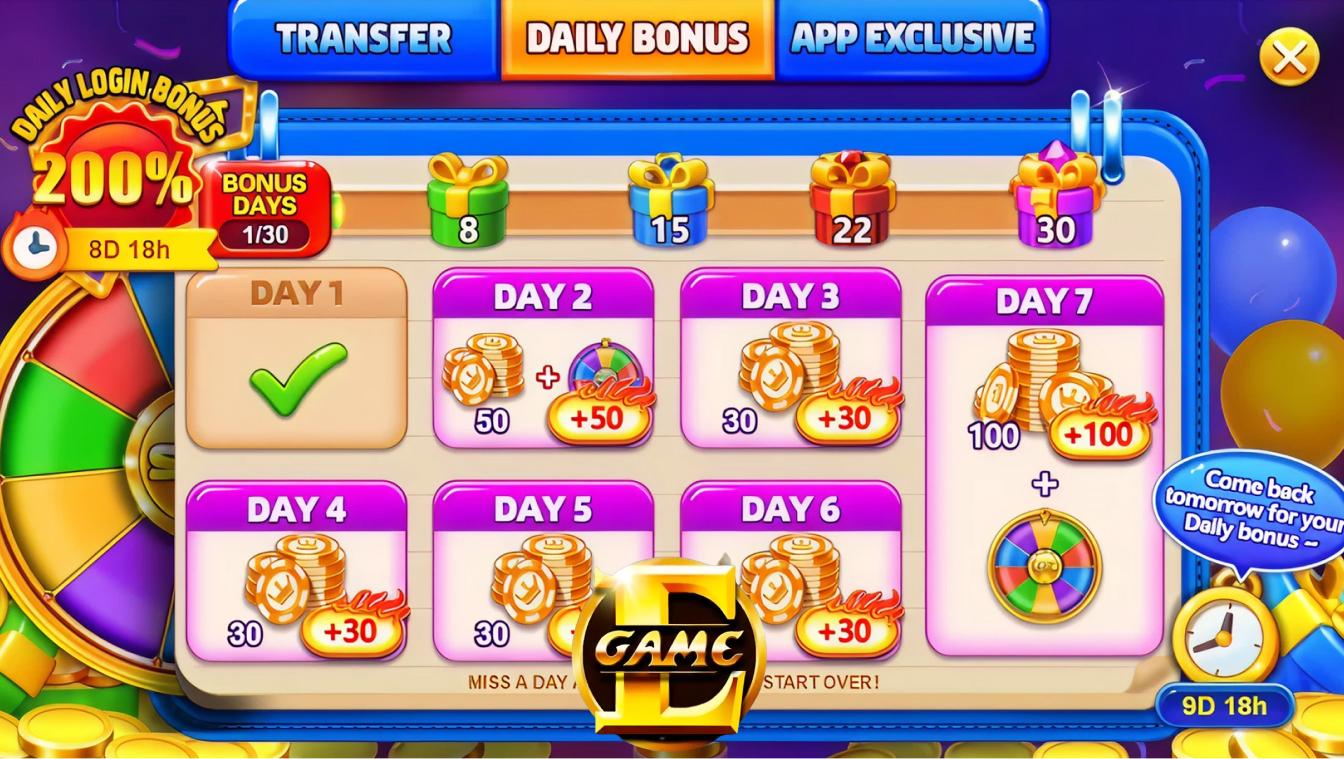
Egame Game Interface Explained: Understanding Controls, Menus, and On-Screen Information
Introduction
When exploring an online gaming platform for the first time, understanding the interface can make navigation much easier. Different games may use different layouts, controls, menus, and information panels, so knowing where to find important features can help users become familiar with the platform.
Egame offers different gaming formats, including fish games and slot-style experiences. SugarSweeps currently presents Egame as a platform that can be accessed through both browser and mobile options.
Rather than focusing on a particular game, this guide looks at the Egame interface itself. It explains common menus, controls, information displays, game screens, and mobile navigation features that users may encounter while exploring Egame.
What Is the Egame Interface?
The Egame interface is the collection of visual and interactive elements that allow users to navigate the platform and interact with individual games.
Depending on the title, the interface can include:
- Game menus
- Play controls
- Game information
- Symbols and visual indicators
- Balance information
- Settings
- Help sections
- Navigation buttons
- Account features
Not every Egame title will use exactly the same design. A fish game may have a different interface from a slot-style game, for example.
Understanding this difference is important because controls that appear in one game may not be available or function the same way in another.
Understanding the Main Egame Screen
When opening an Egame title, the main screen generally provides the central area for the selected game.
The layout can vary, but users may commonly find several sections around the main gameplay area.
Game Display
The central display is where the selected game is presented. In a fish game, this could be an underwater environment with different targets. In a slot-style game, the main area may contain reels and symbols.
Controls
Controls allow users to interact with the game. Depending on the format, these may include buttons for starting an action, adjusting available settings, or navigating different options.
Information Panel
An information or help section may explain rules, symbols, controls, or other features.
Balance Information
Account or credit information may be displayed somewhere on the game screen. Users should understand what this information represents before interacting with any account-related feature.
Egame Menus and Navigation
Menus are an important part of the Egame experience because they provide access to different sections of the platform.
A menu may help users browse games, access account information, open settings, or find support resources.
When navigating an Egame online interface, look for clearly labeled sections rather than assuming that every icon has the same purpose.
Common navigation elements can include:
- Home
- Games
- Categories
- Account
- Settings
- Help
- Back
- Exit
The exact names and placement can change depending on the platform and device.
Understanding Egame Game Controls
Game controls are the interactive elements users use to operate an individual title.
Their appearance depends on the game format.
For example, an Egame slot interface may include controls associated with reels, while an interactive fish game may use different controls related to aiming or selecting targets.
Before using a control, check whether the game provides an information or help section explaining its function.
This is especially useful for new users because unfamiliar icons can sometimes be difficult to interpret.
Egame Slots Interface
Egames slots have a visual interface that typically centers around reels, symbols, and game controls.
Depending on the individual title, users may see:
- Reels
- Symbols
- Spin controls
- Balance information
- Game settings
- Information buttons
- Other game-specific features
The arrangement can vary from one slot title to another.
Before interacting with a slot-style game, review the available information to understand what the symbols and controls represent.
Understanding the interface can help users navigate the game, but it does not predict or guarantee any particular outcome.
Egame Fish Game Interface
Fish games use a different type of interface from traditional reel-based games.
The main screen may feature an interactive environment containing different visual targets and game elements. Controls can be arranged around the display to support interaction with the game.
SugarSweeps describes Egame as offering fish games alongside slot-style and other interactive experiences.
Join now with SugarSweeps and remember that because fish games and slots can use very different layouts, users should review the controls for each individual title rather than assuming they work identically.
Understanding On-Screen Information
On-screen information helps users understand what is happening within a game.
Depending on the title, this information could include:
- Current game status
- Available credits
- Selected settings
- Symbols
- Game instructions
- Available controls
- Notifications
- Other game-specific indicators
Reading this information before interacting with a game can make the interface easier to understand.
If something appears unclear, look for a help, information, or settings option.
Egame Casino Game Information
The term Egame casino game can refer to the casino-style games available through the platform.
Each title may have its own information screen explaining the basic mechanics and features.
Before selecting a game, users can review:
- The game format
- Available controls
- Rules
- Symbols or visual indicators
- Settings
- Any displayed account or credit information
This approach helps users understand the title they are viewing instead of relying on assumptions based on another game.
Egame App Interface
Users accessing Egame through a mobile application may notice differences compared with the browser version.
SugarSweeps currently states that Egame can be accessed through a mobile app as well as directly through a web browser.
A mobile interface may rearrange certain features to fit a smaller screen.
For example:
- Navigation menus may collapse into icons.
- Game controls may be positioned closer to the bottom of the screen.
- Information panels may open separately.
- Settings may appear in a menu rather than on the main screen.
- Game displays may automatically resize.
These changes are primarily related to screen size and navigation.
E Game App Navigation
The egame app experience can vary depending on the device and current version of the application.
When using a mobile interface, users should take time to identify the primary navigation controls.
Look for:
- Main menu
- Game library
- Account section
- Settings
- Help
- Game controls
- Exit or back options
If an app receives an update, the location or appearance of certain features may change.
Users should therefore rely on the current interface and available help information rather than older screenshots.
Browser Interface vs. Mobile Interface
Users may access Egame through a browser or a mobile application, depending on the available options.
Browser Interface
Browser access can allow users to open the platform without necessarily installing an application. This can be useful when users prefer accessing games directly through a compatible browser.
Mobile Interface
A mobile app can provide an interface designed specifically for smartphones or tablets.
The main difference is generally the way the interface is arranged, rather than the basic purpose of the platform.
Regardless of the access method, users should review the current information and make sure they understand the controls before interacting with a game.
How to Navigate Egame Online
For someone new to play Egame online, the interface may initially seem unfamiliar.
A simple approach is to explore the platform in stages.
Step 1: Review the Main Menu
Identify the main navigation options and determine where the game library is located.
Step 2: Explore Categories
Review the available categories and identify the types of games offered.
Step 3: Open the Game Information
Before interacting with an unfamiliar title, check whether an information or help section is available.
Step 4: Identify the Controls
Locate the primary controls and understand their functions.
Step 5: Review Account Information
If balance or account information appears on the screen, make sure you understand what it represents.
Step 6: Use Settings When Needed
Check available settings if you need to adjust an interface preference.
This process can help make the platform easier to navigate without rushing into unfamiliar features.
Common Egame Interface Mistakes
Understanding the interface can help prevent simple navigation mistakes.
Assuming Every Game Uses the Same Controls
Different game formats can have different layouts and controls.
Skipping the Information Section
Game rules and features can vary. Reading the available information can provide useful context.
Clicking Unfamiliar Buttons
If you do not know what a button does, check the available help information first.
Ignoring Account Information
Pay attention to account and credit displays, especially before confirming any account-related action.
Relying on Old Instructions
Gaming platforms can update their interfaces. Current platform information should take priority over outdated screenshots or instructions.
Understanding Game Settings
Settings can provide additional options for navigating an individual game or platform.
Depending on the title, settings may relate to:
- Sound
- Display
- Notifications
- Interface preferences
- Game information
- Other available features
Not every title will provide the same settings.
Before changing an option, read the description carefully so you understand what the setting controls.
Egame Interface on Different Devices
The interface can change depending on the device being used.
Desktop
A larger display may allow menus, controls, and game information to appear simultaneously.
Tablet
A tablet provides more screen space than a phone while still using a touch-based interface.
Smartphone
A smartphone may reorganize controls and menus to fit a smaller display.
The basic purpose of the interface remains the same, but the layout can be adjusted for the available screen size.
Responsible Gaming and Interface Awareness
Understanding an interface is useful for navigation, but it does not change the nature of game outcomes.
Users should treat online gaming as entertainment and stay within their personal limits.
Responsible habits include:
- Setting a personal spending limit
- Taking regular breaks
- Avoiding chasing losses
- Keeping track of gaming activity
- Never using essential money for gaming
- Stopping if gaming becomes stressful
Users should also review the rules and eligibility requirements applicable to their location before accessing online gaming services.
Final Thoughts
The Egame interface brings together game displays, controls, menus, account information, settings, and other navigation features. While the exact design can vary between individual titles and devices, learning the basic structure can make the platform easier to understand.
Whether users explore egames casino titles, Egame slots, fish games, or other interactive experiences, the most useful starting point is to understand the individual game's interface before interacting with it.
Sugar Sweeps currently provides Egame access through both browser and mobile options. Users should review current platform information, understand the available controls and rules, and maintain responsible gaming habits while exploring the available entertainment options.